
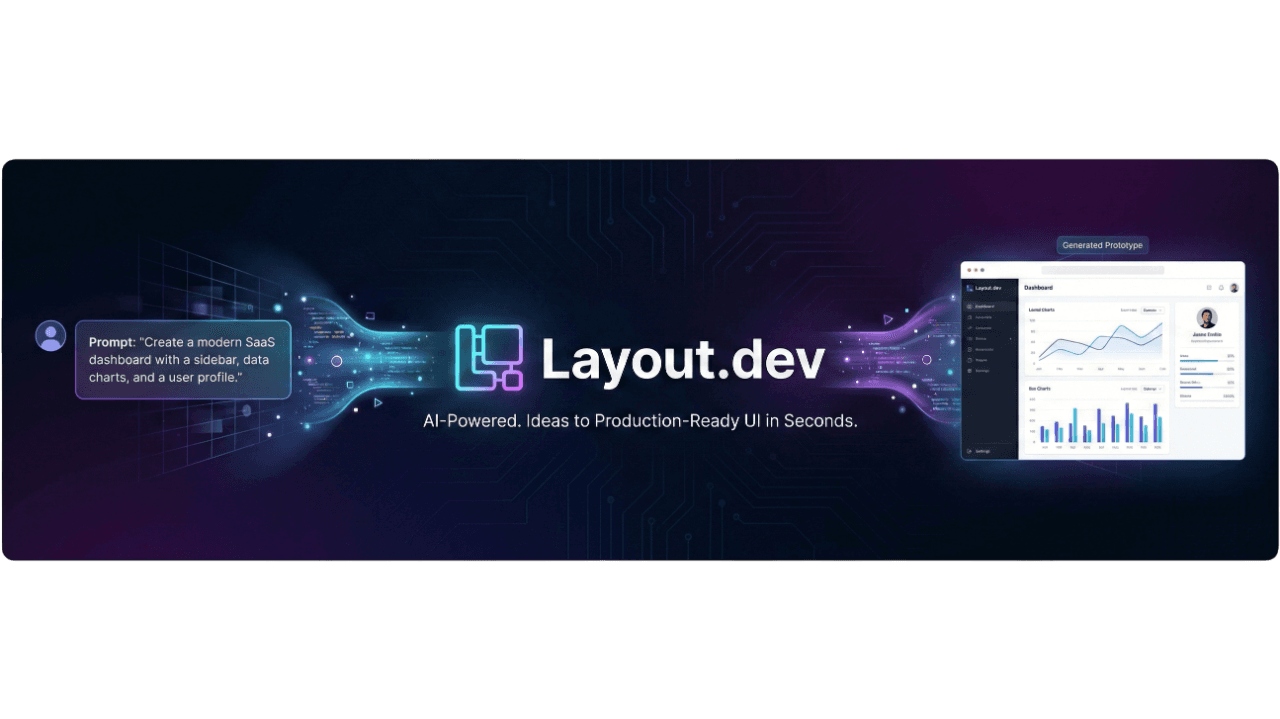
Introduction to Layout.dev
Layout.dev is an AI-powered prototyping tool designed for founders, designers, and developers to quickly turn ideas into functional React-based applications. It generates clean, editable front-end code using React and Tailwind CSS, complete with UI components and project structure. Unlike static mockups or wireframes, the output is real, interactive code that you can view, test, customize, and export. It's particularly useful for rapid ideation and validation, with integrated backend and database support through Supabase. The tool emphasizes credit efficiency (more value per generation compared to competitors like v0 or Lovable) and supports image uploads alongside text prompts for better context.
Key features include:
- Prompt-Based Generation: Describe your app in natural language.
- Code Viewer and Editor: Built-in explorer for files, with live editing.
- Live Previews: Instant previews of the generated site.
- Exportable Projects: Download the full codebase for local use or deployment (e.g., to Vercel).
- Tech Stack: React for components, Tailwind CSS for styling.
- Data Security: No data storage; generations are private.
- Collaboration: Basic sharing via hosted previews.
- Pricing: Free tier includes 20 credits per month. Pro tier is $25/month with 100 credits. Additional credits can be purchased as top-ups (valid for one year).
Detailed Step-by-Step Tutorial
Based on the official descriptions and user reviews, here's how to use Layout.dev to build an application. The interface is straightforward: a chat-like prompt input, generation button, code viewer, and preview pane.
- Access the Tool:
- Go to layout.dev.
- If prompted, sign up or log in (uses email or Google auth).
- You'll see a clean interface with a prompt box, similar to a chatbot.
- Describe Your Idea (Craft a Prompt):
- In the prompt field, describe what you want to build in natural language. Be specific about features, UI, and functionality to get better results.
- Optionally, upload images (e.g., sketches or Figma screenshots) to provide visual context.
- Click "Send" or hit Enter.
- Tips for Effective Prompts:
- Start with the app type: "Build a simple task manager app with..."
- Specify components: "Include a login form, task list with checkboxes, and a add-task button."
- Add styling: "Use a modern dark theme with Tailwind CSS."
- Mention interactions: "Make tasks draggable and include real-time updates simulation."
- Keep it focused: Avoid over-complexity in one prompt; iterate if needed.
- Example Prompt: "Create a React prototype for a recipe finder app. Include a search bar, results grid with cards showing images and titles, and a detail view modal. Use Tailwind for responsive design."
- Generate the Prototype:
- The AI processes your prompt (takes few minutes). If needed, you will be prompted to connect a Supabase project for backend support.
- It outputs a full React project: components, pages, styles, and structure (e.g., src/App.js, components/Card.js).
- The code is clean and modular—readable for developers, with no unnecessary bloat.
- View and Explore the Code:
- Use the built-in code viewer: A file explorer on the left shows the project tree (e.g., index.html, App.js, CSS files).
- Click files to read/edit code directly in the editor.
- Syntax highlighting and auto-complete are supported for quick tweaks.
- Test and Customize:
- Interact with the application in the preview pane (right side or full-screen).
- Test features: Click buttons, submit forms, etc., to see if it behaves as expected.
- Iterate: If something's off, refine your prompt (e.g., "Add user authentication to the existing application") and regenerate. The tool supports incremental updates.
- Preview the Live Version:
- Click "Preview" to see a hosted, interactive version (Layout.dev provides temporary hosting).
- Share the link with stakeholders for feedback.
- Test responsiveness: Resize the browser to check mobile/desktop views.
- Export and Deploy:
- Download the full project as a ZIP file (includes package.json for dependencies).
- Open in your IDE (e.g., VS Code): Run
npm installthennpm startto run locally. - Deploy: Push to GitHub and deploy to Vercel/Netlify (React-friendly hosts). No extra setup needed since it's a standard Create React App structure.
- For production: The Supabase integration provides backend and database functionality out of the box.
Examples of Use Cases
- Founder Validating an MVP: Prompt: "An application for a freelance job board with job listings, search, and apply buttons." Generate, test, share for feedback.
- Designer Building UI: Upload a sketch and prompt: "Turn this wireframe into a React dashboard with charts and sidebar." Get editable code.
- Developer Skipping Boilerplate: Prompt: "Generate an e-commerce product page with grid layout and filters." Export and extend with custom logic.
Advanced Tips
- Iteration Workflow: Start simple, then add features via follow-up prompts to avoid overwhelming the AI, and for better results based on a focused prompt.
- Prompt Best Practices: Use bullet points in prompts for structure. Reference popular apps: "Like Trello's board but for recipes."
- Integration with Other Tools: Export code works seamlessly with VS Code, GitHub, and deployment platforms. Backend and database functionality is integrated through Supabase. You can also integrate with Stripe for payments to monetize your application.
- Troubleshooting: If output is buggy, clarify ambiguities in the prompt. With versioning, you can also roll back to the latest stable version before you try again with clearer prompt. The tool's credit system is efficient—monitor your credit usage and consider upgrading to Pro or purchasing top-up credits if needed.
- Community and Support: Check Product Hunt reviews for tips. Contact support via the site for issues.